How to use functions in vb.net?
We can use functions for return the value in function block into main block of code. This tutorial shows how to use the functions in vb.net?
Step1:
Open Microsoft visual studio
Step2:
Select file newàwindows form application à rename it as functions
Step3:
Drag and drop the button, label
Step4:
Double click the button and write the code
Code:
Public Class Form1
Private SubButton1_Click(ByVal sender As System.Object, ByVal e As System.EventArgs) HandlesButton1.Click
Label1.Text = callthefunction()
End Sub
Private Functioncallthefunction()
callthefunction = "your so...cool"
End Function
End Class
Output:
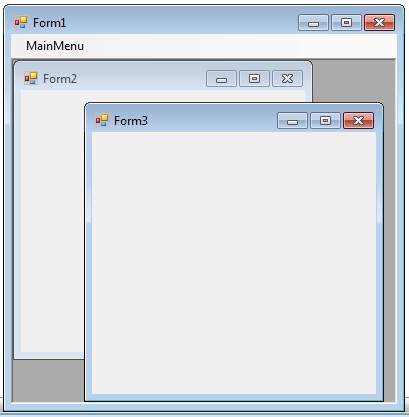
 In this tutorial I’m going show how use MDI form in visual basic. This is in contrast to single document interface (SDI) applications, which can manipulate only one document at a time. You can more than on document in MDI form.Visual Studio Environment is an example of Multiple Document Interface (MDI) and notepad is an example of an SDI application, opening a document closes any previously opened document. Any windows can become an MDI parent, if you set the IsMdiContainer property to True.